Turn a song into a spectrum visualizer video
Open a song, add its cover art and title if you like, and watch its spectrum move as it plays: bars, mirrored bars, a ring of spokes or an oscilloscope line, in your colors, in 16:9, 9:16 or 1:1. Then record the whole song or a 15 to 60-second clip as a video file. Everything runs in your browser, so the song never leaves your device.
Free, no sign-up. Runs in your browser: nothing is uploaded.
Open a song to see it move. MP3, WAV, M4A, AAC or FLAC. It plays on your device and is never uploaded.
Cover art (optional). A square image works best.
Record it as a video
Open a song and press Play to see it move, then record the whole song or a 15, 30 or 60-second clip.
It records in real time, so a 3-minute song takes 3 minutes. Keep this tab open and in front: a hidden tab stops drawing, so the recording pauses until you come back. The file type is whatever your browser's recorder writes: WebM in Firefox and in Chrome and Edge, MP4 in Safari and wherever Chrome or Edge offers it.
Song finished? Upload it and Muvora plans the whole video on its beats. The storyboard is free.
Make the videoUpload a new songHow to use the audio spectrum visualizer
- 01
Open the song
Choose an MP3, WAV, M4A, AAC or FLAC. It plays from your device through the browser's own audio engine, nothing uploaded.
- 02
Set the look
Pick bars, mirrored bars, a circle or a waveform, the shape and resolution, the colors, and add the title, the artist and a cover image.
- 03
Press Play to preview
The visualizer moves with the music as it plays. Change the bar count, the motion or the sensitivity until it feels right.
- 04
Record and save
Record the whole song or a clip from the playhead. It records in real time, then the file is ready to save as WebM or MP4, whichever your browser writes.
How the bars follow the music
On every frame, the browser's analyser takes a Fourier transform of the latest 4,096 samples, splitting the sound into bins about 11 Hz apart. The tool groups those bins into bars spaced by pitch from 40 Hz to 16 kHz, so every octave gets the same number of bars the way the ear hears them, and lifts the treble by 3 dB an octave, because most mixes carry less energy the higher they go and the right-hand bars would otherwise barely move. A bar jumps up at once and falls at the speed you set. The waveform style draws the sound wave itself, starting each frame where the wave crosses zero on its way up so a held note stands still instead of sliding sideways.
- Bars spaced by pitch, 40 Hz to 16 kHz
- Treble lifted 3 dB an octave
- A waveform that holds steady on a held note
Recording happens in real time
The video is the canvas you see, captured 30 times a second, with the song's sound taken from the same audio engine, written by your browser's own recorder. That means a 3-minute song takes 3 minutes to record, and the tab has to stay open and in front: a hidden tab stops drawing, so the recording pauses until you come back and press Resume. The file type is whatever the browser's recorder offers, WebM in Firefox and in Chrome and Edge, MP4 in Safari and where Chrome or Edge offers it, at a target of 5 Mbps for 720p and 8 Mbps for 1080p, roughly 40 or 60 MB a minute. The video is held in memory until you save it, so a recording stops at 10 minutes.
- 30 frames a second, recorded as it plays
- WebM or MP4, depending on the browser
- Keep the tab open and in front
A spectrum over a cover, or a music video
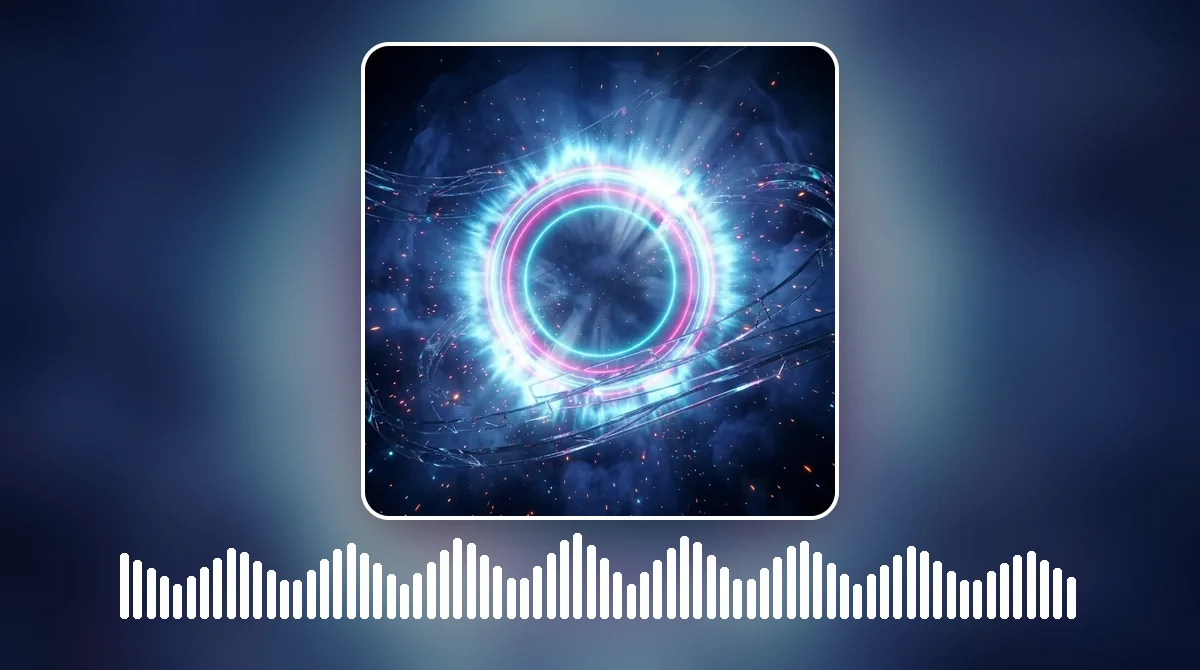
A spectrum over the cover art is a fine way to put an album's deep cuts, an instrumental or a beat on YouTube, and the 9:16 layout keeps the cover, the title and the bars clear of where TikTok, Reels and Shorts put their buttons and captions, by the safe zone checker's figures. It stays one picture for the whole song, though. Muvora makes a different thing: a full music video with AI video in every shot, the cuts planned on the song's downbeats and a flash on each drop (its Visualizer quality is the lowest-cost way to cover a whole song). The guide to visualizer makers sets the kinds side by side, and the waveform generator makes still artwork from the same song.
- Clear of the apps' buttons in 9:16
- One still picture with moving bars
- Muvora's videos cut on the beat instead
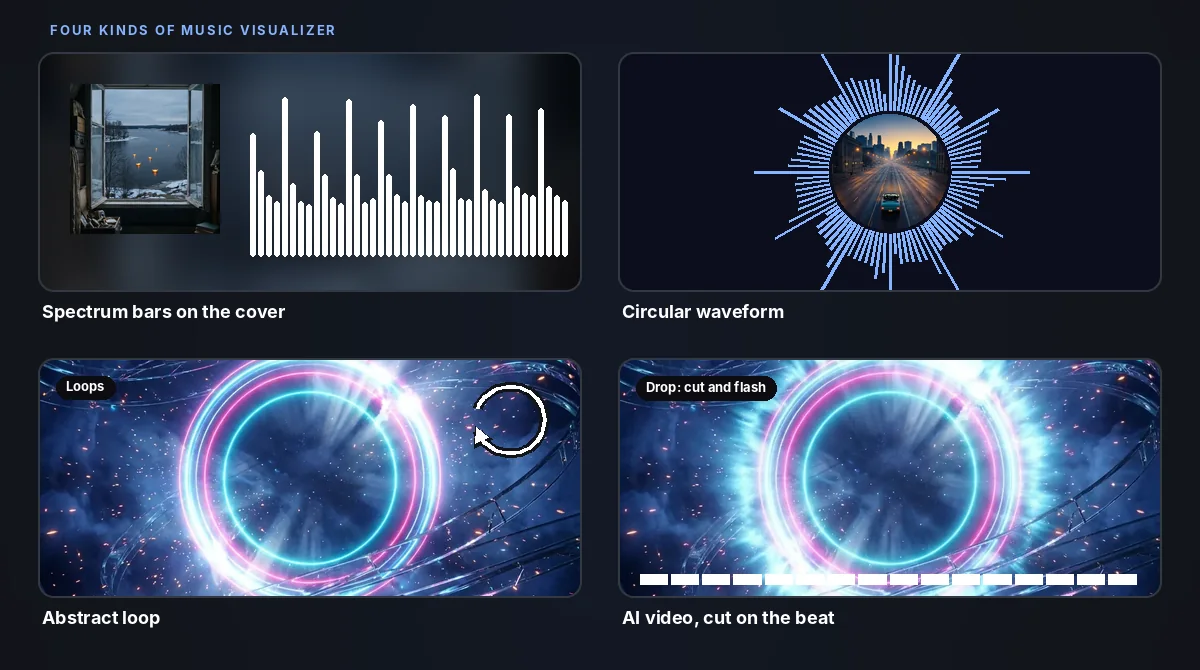
When the song needs more than bars
Upload the same file to Muvora and it finds every beat, section and drop, then an AI director writes a storyboard of shots timed to them: cuts on downbeats, a change at every section, a flash on every drop. Edit the shots for free, see the price, and one render gives widescreen, vertical and square videos plus a Spotify Canvas loop for the release.
Questions, answered
Can't find what you need? Start a free storyboard and see for yourself.
Is my song uploaded to make the visualizer?
No. The song plays from your device through your browser's audio engine, the canvas is drawn in the same tab and the recorder writes the video there too. Nothing is sent to Muvora or anyone else, and the file is saved straight to your device.
Why does recording take as long as the song?
The tool records what the browser draws while the song plays, so a 3-minute song takes 3 minutes. Record a 15, 30 or 60-second clip from the playhead when you only need a teaser, and keep the tab in front, since a hidden tab pauses the recording.
Why did I get a WebM file and not an MP4?
Your browser's recorder decides. Firefox writes WebM, Safari writes MP4, and Chrome and Edge write WebM and, where the version and system allow, MP4 too; when a browser offers both, the tool lets you pick. YouTube accepts WebM; for an app that wants MP4, convert the file in a video editor.
Why won't my editor show the length of the recorded file?
Recorders in some browsers write WebM without the total length in the file's header, so some players can't show it or seek until the file has played through. Opening it in a video editor or converter and saving it again fixes that.
What's the difference between a spectrum and a waveform visualizer?
A spectrum shows how loud each range of pitches is right now, bass on one side and treble on the other, so the kick and the hi-hats move different bars. A waveform shows the sound wave itself over a split second, a line that wobbles with the music.
Can I make a vertical spectrum video for Reels, Shorts or TikTok?
Yes. Pick 9:16 and the cover, the words and the bars sit inside the area those apps leave clear on a typical post. Record a 15 or 30-second clip of the hook rather than the whole song.
Keep exploring
Make a music visualizer
The four kinds of visualizer, what keeps one watchable for a whole song, and the specs for YouTube and vertical.
Read the guideBest music visualizers
Spectrum templates, editor waveforms, audio-reactive AI and live visuals compared, and why Muvora is our pick for a visualizer made from your song.
Read the guide
Music visualizers
AI video for a whole song, cut on the beat, at the lowest credit rate.
Learn moreWaveform generator
Turn a song's waveform into artwork: bars, a line, a filled wave or a circle, with its title, saved as PNG or SVG.
Open the toolSafe zone checker
Shade the TikTok, Reels or Shorts buttons over your frame, check where a caption stays clear and download an overlay.
Open the toolAlbum and EP visualizers
A visualizer for every track on an EP or album, each cut to its own song.
Learn more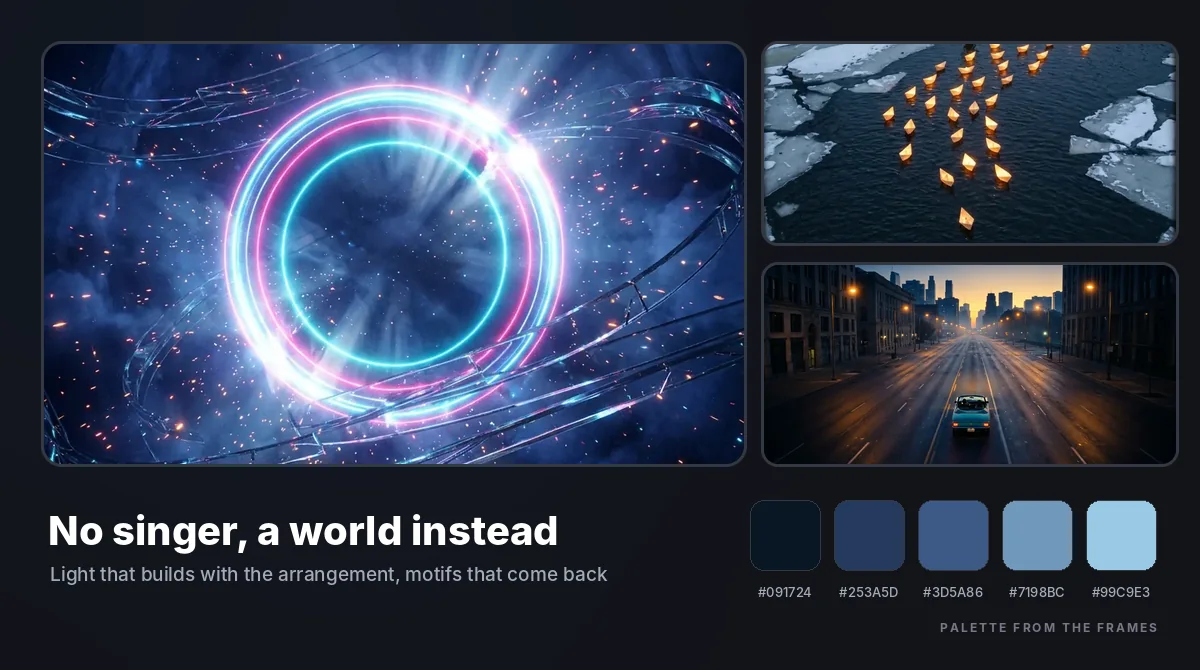
Instrumental music videos
Videos for music without vocals: post-rock, ambient, piano, film-score style and jazz, cut to the arrangement.
Learn more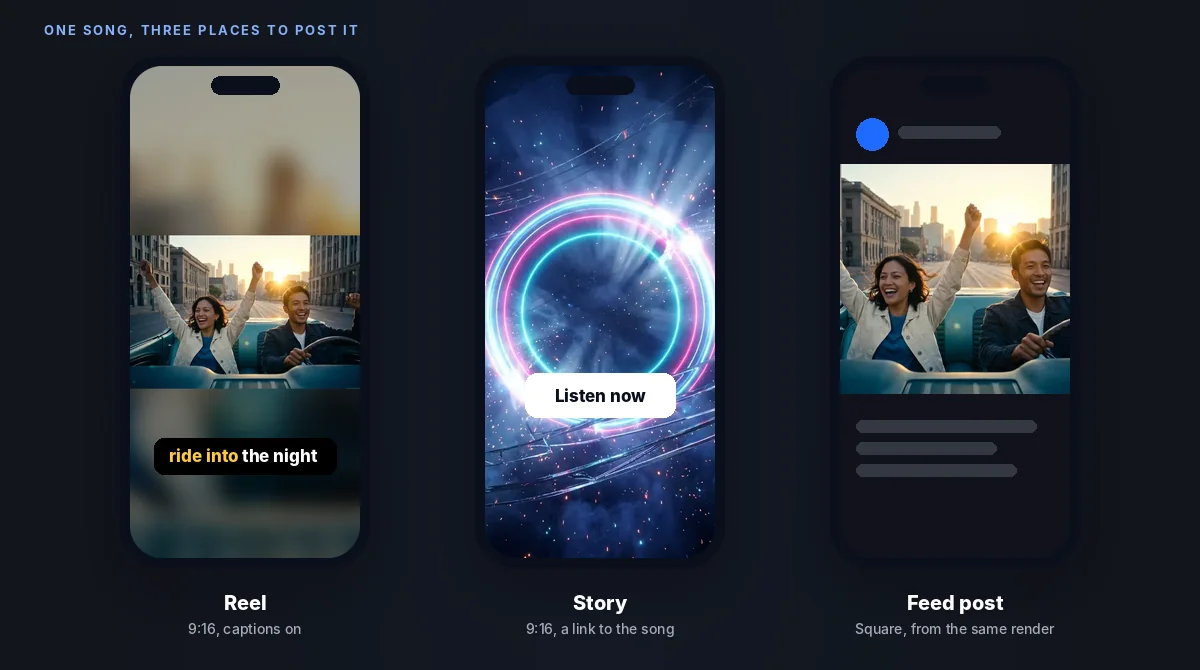
Promote music on Instagram
Reels for new listeners, Stories for fans, your song in Instagram's music library, five hashtags, Trial Reels and a six-week plan.
Read the guideYouTube thumbnail preview
See a thumbnail and title as YouTube lays them out: home, search, up next and a phone, light or dark, up to three side by side.
Open the toolSpectrogram viewer
Open a song and see its frequencies over time, with the note and level under your pointer, a playhead, and a PNG to save.
Open the tool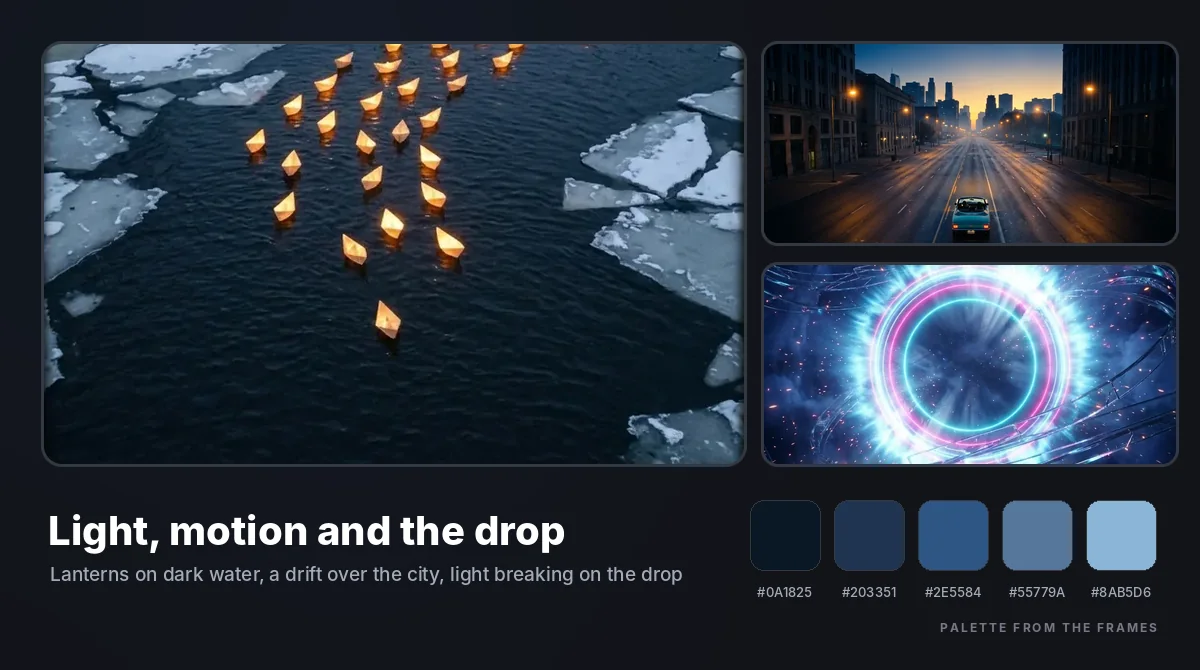
Music visualizer ideas
15 visualizer ideas with no one on screen, from ferrofluid spikes to a dam that opens on the drop, and how to plan each section of a track.
Read the guide
More free tools: artwork and video formats
Cover art, Canvas loops, YouTube thumbnails, a spectrum visualizer, sizes, safe zones and bitrates, a video file's specs, and a vertical cut of any clip.
Your song deserves a music video
Upload a track and get a free beat-synced storyboard in minutes. Render it when you are ready.
No card needed to start.






