Reverse audio and play a song backwards
Open a song, a vocal take or any sound on your device and hear it backwards in a few seconds. Reverse the whole file, save one part reversed on its own (a swell into a chorus, a backward phrase for an intro), or flip a part in place while everything around it plays forward, the way a clean radio edit hides a word. The result plays in the page as the very WAV you save, at the file's own sample rate, in 16-bit, 24-bit or 32-bit float. Your browser does the decoding, so the audio never leaves your device.
Free, no sign-up. Runs in your browser: nothing is uploaded.
Decoded by your browser at the file's own sample rate and saved as WAV. MP3, WAV, M4A, AAC and FLAC open in current browsers; OGG and Opus depend on the browser. Only reverse audio you made or have permission to use.
Song finished? Upload it and Muvora plans the whole video on its beats. The storyboard is free.
Make the videoUpload a new songHow to use the reverse audio
- 01
Open the file
Choose an MP3, WAV, M4A, AAC or FLAC file of up to 15 minutes. Your browser decodes it at its own sample rate and reverses the whole file straight away.
- 02
Pick what to reverse
Keep the whole file, or choose a part on its own or a part in place and type where it starts and ends, as minutes and seconds (1:02.5) or seconds (62.5).
- 03
Listen before you save
Play the reversed WAV in the page. For a part reversed in place, Hear the edit starts two seconds early, so you hear the music lead into the flipped part and out of it.
- 04
Download the WAV
Save the file, named after the original and the part that was reversed. Change the part or the bit depth and press Reverse again for another version from the same decoded audio.
What happens to a sound played backwards
Reversing plays every sample in the opposite order, so the file keeps its length, its pitch and its tempo (unlike a slowed and reverb edit, which changes speed and pitch together). What flips is each sound's shape over time. A snare, a piano note or a crash cymbal starts with a sharp hit and dies away; backwards it rises out of silence, grows and stops dead where the hit used to be. That swell is why reversed cymbals and reversed reverb tails lead so naturally into a downbeat. Words turn into unreadable syllables with odd, inhaled vowels, and stereo placement stays put: a guitar on the left is still on the left. Reverse the result again and you have the original back, sample for sample.
- Same length, pitch and tempo
- Hits become swells that stop dead
- Reversed twice, it's the original again
Three ways to use it in a song
The whole file is for hearing a song backwards or finding raw material for sound design. A part on its own is for building a transition: reverse the crash on the last downbeat of a verse or the final word of a chorus, drop it into your session a beat or two before the next section, and line its end (where the hit used to be) up with the downbeat; the music video transitions guide shows how the cut on screen can land on the same beat. A part in place flips a few syllables while the beat carries on, as clean edits for radio often do with a swear word; each join gets a 5 ms fade so it doesn't click. For the classic reverse-reverb swell, reverse a vocal phrase here, add a long reverb with the slowed and reverb generator at 1.00x speed, then reverse that WAV again: the reverb now swells into each word instead of trailing after it.
- On its own: a swell into the downbeat
- In place: a flipped word for a clean edit
- Reverse, add reverb, reverse: a pre-verb swell
Backmasking, and whose audio you can reverse
Backmasking means recording a sound backwards onto a track that is meant to be played forwards. The Beatles' "Rain" (1966) ends with a reversed vocal and is often cited as an early example on a pop single (Backmasking on Wikipedia), and reversed cymbals, guitars and vocals are still everyday transitions in production. A reversed recording is still that recording, though: posting a backwards version of another artist's song uses their master and their composition and needs permission from whoever owns them. Reverse your own takes, stems and songs, or audio you've been given the rights to use, and trim the result with the audio cutter when you need only a few bars.
- Backmasking: backwards on a forward track
- Still a common transition today
- Your own audio, or audio you have permission for
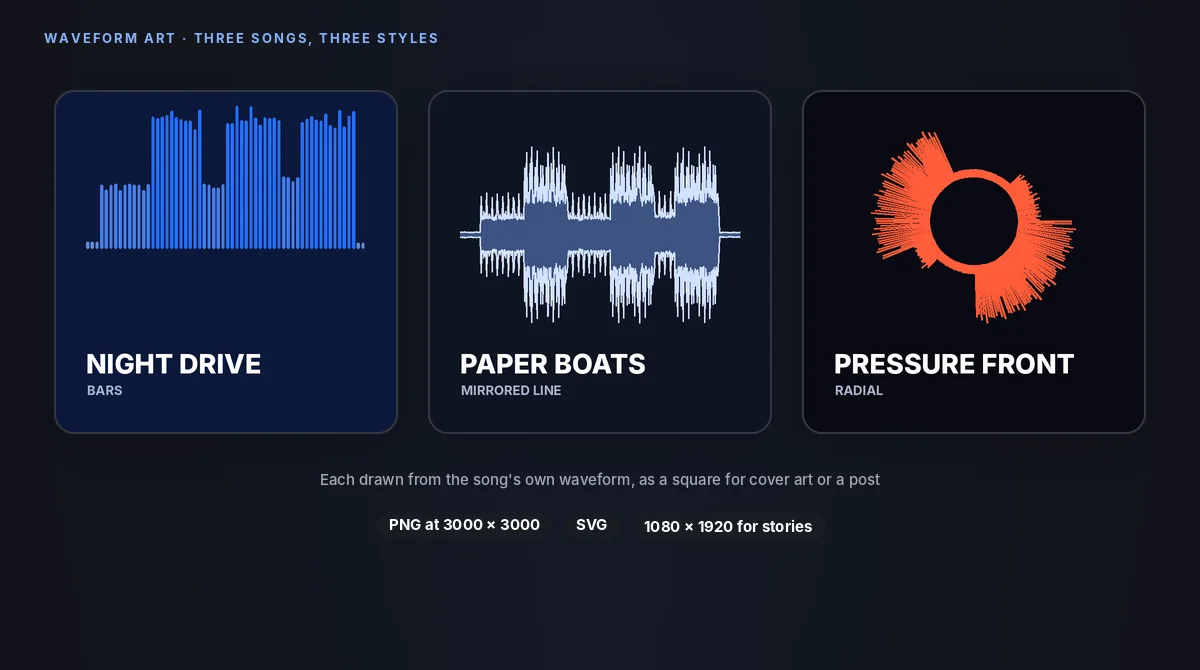
Put the reversed sound in the song, then give the song a video
Reversing is a production step: bounce the swell or the flipped word into your mix, export the finished song, and upload it to Muvora as MP3, WAV, M4A, AAC or FLAC, up to 8 minutes. Muvora keeps your file as the video's soundtrack, untouched, finds its beats, sections and drops, and an AI director writes a storyboard with every cut on a downbeat and a cut at every drop, so a reversed swell into a chorus meets a new shot right where it stops. Reading and editing the storyboard is free, and you see the price before you render.
Questions, answered
Can't find what you need? Start a free storyboard and see for yourself.
How do I play a song backwards?
Open the file on this page and it is reversed at once. Press play on the result to hear it backwards, or download it as a WAV. Every sample plays in the opposite order, so the reversed song is exactly as long as the original and in the same key.
How do I reverse just one word, like a radio edit?
Choose a part in place, type where the word starts and ends, and press Reverse again. Find the times by playing the original in any player, or nudge them and listen with Hear the edit, which starts two seconds before the word. The rest of the song plays forward, and each join gets a 5 ms fade so it doesn't click.
Why does my reversed file start with silence?
The original ended with silence or a fade-out, and that end now comes first. MP3 and AAC files can also carry a little silent padding that their encoder added at the end. Reverse only a part on its own to skip it, or trim the start with an audio cutter.
Does reversing lower the audio quality?
No. The reversed file holds the same samples in the opposite order at the file's own sample rate, so a reversed WAV or FLAC loses nothing. A file that began as an MP3 or AAC only holds what that file kept: saving it as a WAV doesn't bring back what its encoder left out.
Which audio files can I reverse?
MP3, WAV, AAC, M4A and FLAC open in current Chrome, Edge, Firefox and Safari; OGG and Opus files depend on the browser. A file can run up to 15 minutes, because its decoded samples take far more memory than the file itself. If one won't open, try another browser or export it again as WAV or FLAC.
Is my audio uploaded when I reverse it?
No. Your browser decodes and reverses the file on your device, and the WAV you play and download sits in this page's memory. Nothing is sent to Muvora or anyone else, and closing the tab clears it.
Keep exploring
Slowed and reverb generator
Make a slowed and reverb, sped up or nightcore version of your own song, hear every change as you make it and save a WAV.
Open the toolAudio joiner
Join MP3, WAV, M4A or FLAC files into one WAV in the order you set: back to back, with a gap or with a crossfade.
Open the tool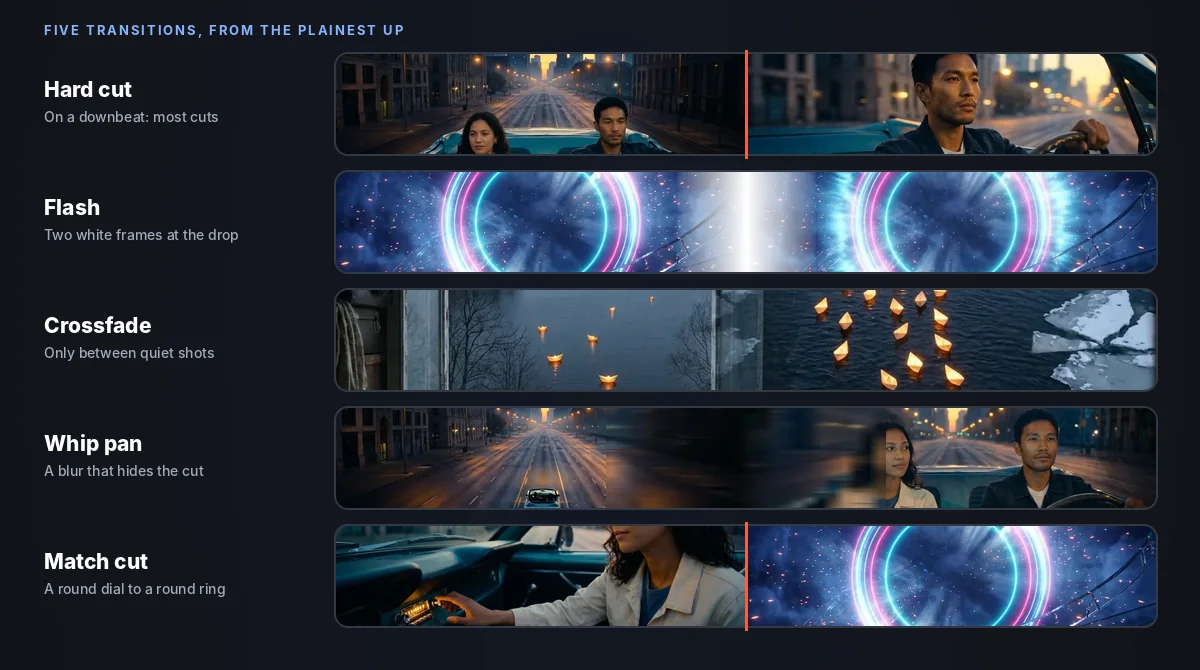
Music video transitions
Fifteen transitions music videos use, what each does to the song and where it belongs, from the hard cut on the beat to the whip pan.
Read the guideAudio cutter
Cut a 15 to 60 second clip from a song that starts and ends on a bar line, add fades and save it as a WAV.
Open the tool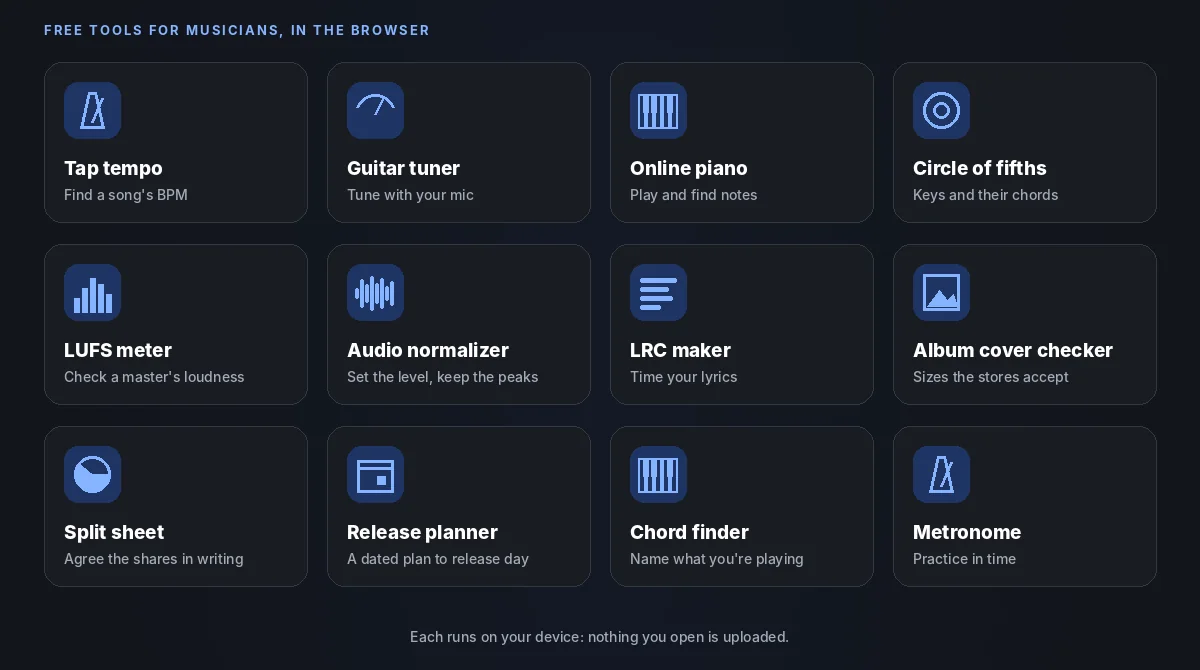
Free tools for musicians
Free tools by job, from writing and recording to the master check, lyric timing, artwork, the release and the video, and who each one suits.
Read the guide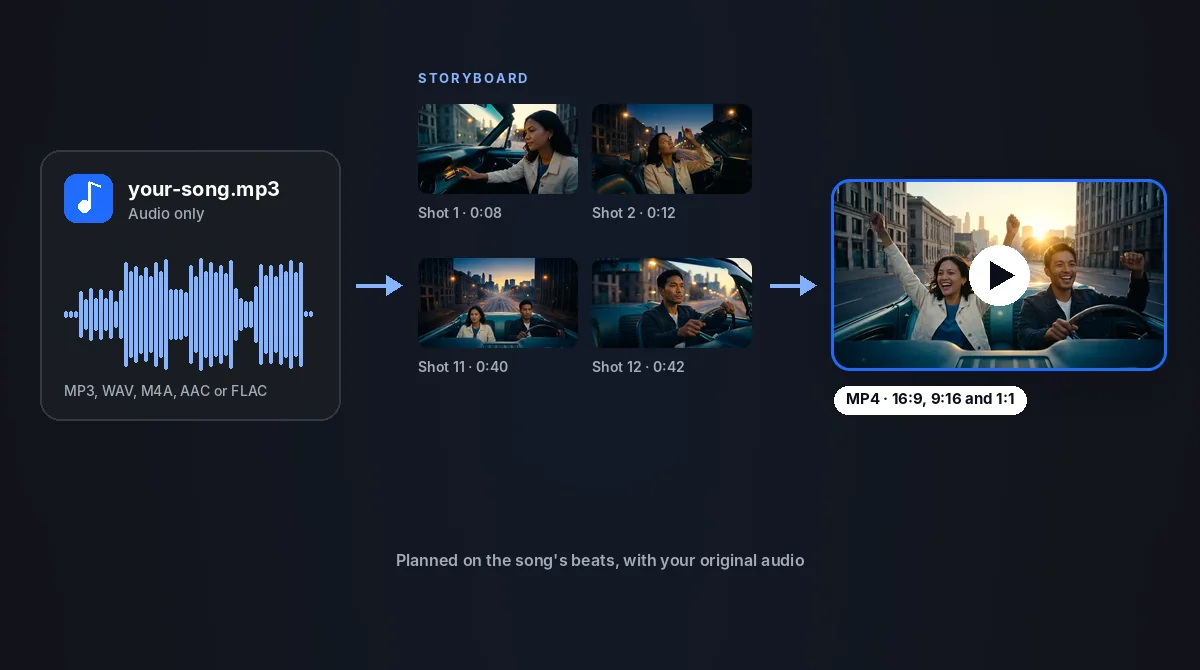
MP3 to video
Convert an MP3 or WAV into an MP4 with AI visuals cut to the song, ready for YouTube.
Learn moreSilence remover
Trim the silence from the start and end of a song file, with every cut shown on its levels, and save a WAV at the file's own rate.
Open the tool
More free tools: loudness and audio
Check and normalize loudness, change the key, make a slowed and reverb or reversed version, join files, convert to WAV, cut a snippet and make waveform art.
Your song deserves a music video
Upload a track and get a free beat-synced storyboard in minutes. Render it when you are ready.
No card needed to start.






