The short answer
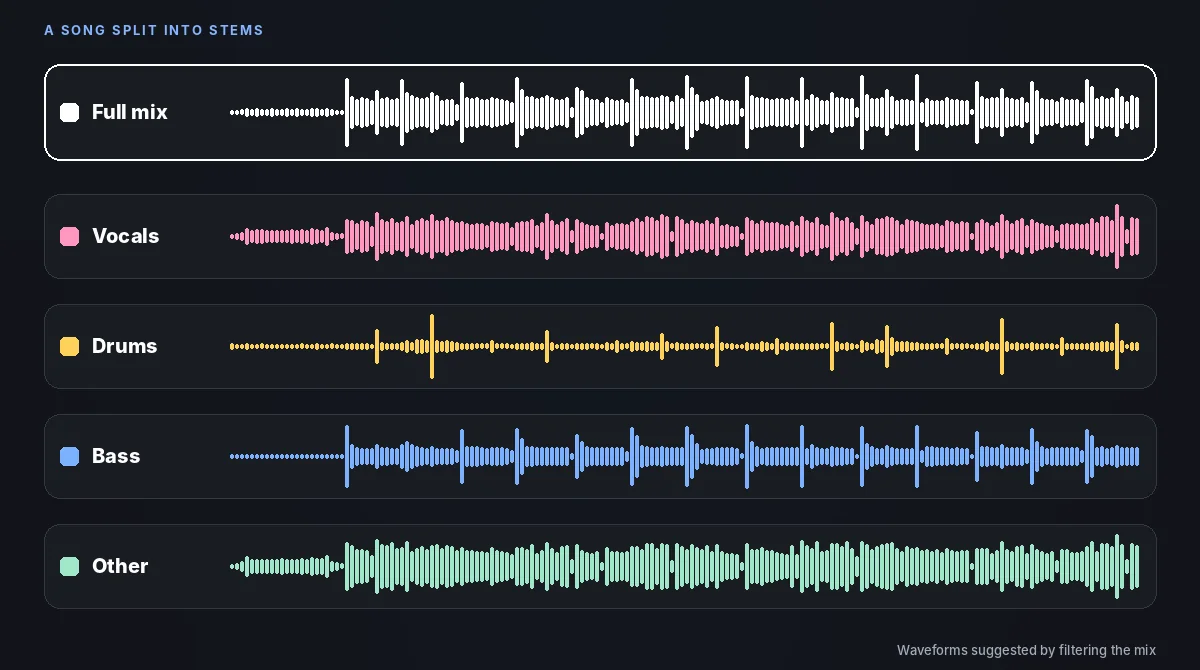
Stems are audio files that each hold one part or group of parts of a finished mix, such as the vocals, drums, bass or other instruments. Each runs from the same start point to the same end point, so played together they add back up to the mix. Engineers, remixers, DJs, music supervisors and live bands use them to change one part without touching the rest.
- A stem is a group of tracks bounced to one file; a multitrack is every recorded track on its own.
- Every stem starts at the same point and runs to the same end, so they line up anywhere.
- Export WAV at the session's sample rate, 24-bit or 32-bit float, with no limiter or normalizing.
- Number and name each file so it says the song, the version, the part and the format.
- Separating stems from a finished song with software works, but the result is an estimate, not the original parts.
On this page (7 sections)ShowHide
What stems are
The Recording Academy's Producers & Engineers Wing defines a stem as "an audio track or group of tracks that contain a specific element or group of elements from a larger audio mix, such as vocals, drums, or guitars" (2025 Delivery Recommendations). In practice a stem is a submix: the twelve drum tracks of a session bounced to one drum file, every guitar to one guitar file, the lead vocal with its reverb and delay to one vocal file. The same document says the sum of a song's stems should add up as closely as possible to the approved mix.
That last point is what makes stems useful. Because each file is a piece of the finished mix rather than raw material, anyone can drop the set into a new session, press play and hear your song as you mixed it, then turn one part up, take one out or process it differently. A typical four-stem set is drums, bass, other instruments and vocals; a set for mixing or immersive audio can run to dozens of files.
- Stem
- One part or group of parts of a finished mix, bounced to its own file from the song's start to its end.
- Multitrack
- Every recorded and programmed track of a session as its own file, before any grouping: each mic on the drum kit, each vocal take kept.
- Mix master
- The approved stereo mix of the whole song, the file the stems should add back up to.
- Instrumental
- The whole mix with no vocals: a mix version you deliver alongside the main mix, and a stem in its own right.
- Acapella
- The vocals alone. The Recording Academy's list of mix versions includes the lead vocal only, with its effects.
- TV mix
- The mix without the lead vocal but with the backing vocals, for an artist to sing live over. The Recording Academy's list calls it No Lead Vocal, formerly the TV track.
- Sample
- An element of a previously released recording used in a new one, as the Grammy rulebook defines it: usually cleared with both of its owners.
- Trackouts
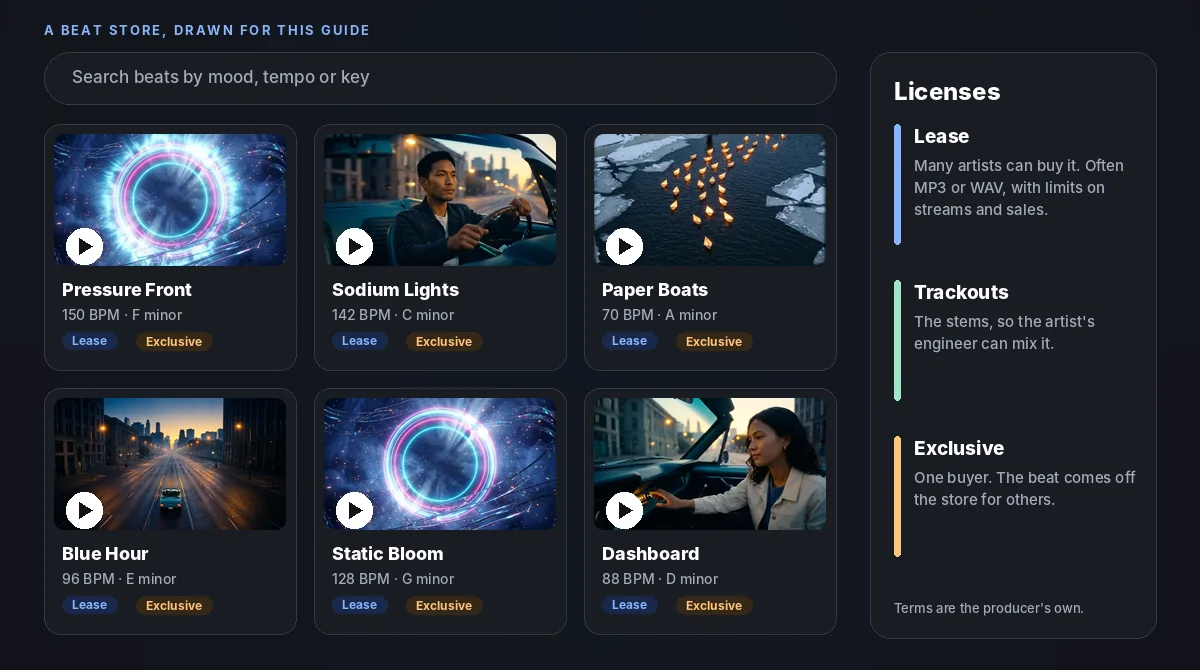
- What beat sellers call the stems or individual tracks of a beat, often included with the higher-priced licenses.
Stems, multitracks, samples, acapellas and instrumentals
The five words get used loosely, and a request for one when you send another is a common reason a session stalls. The table sorts them by what's in the file and who usually asks for it.
| File | What's in it | How many files | Who usually asks |
|---|---|---|---|
| Stems | Groups of the mix (drums, bass, keys, vocals…), each the song's full length | From four to a few dozen | Mastering engineers, remixers, music supervisors, live players |
| Multitracks | Every track of the session on its own, unmixed | Dozens, often more | A mix engineer, or an immersive mix from scratch |
| Instrumental | The whole mix without vocals | One stereo file | Sync briefs, karaoke, live shows, performance videos |
| Acapella | The vocals alone, with or without effects | One stereo file (or dry and wet) | Remixers, DJs, producers of a new version |
| Sample | A piece of someone else's released recording | One short file | Producers building a new track (and needs clearing) |
The Recording Academy's recommendations list the mix versions it suggests delivering with every approved mix: the mix master, a "vocal up" version, a version with no lead vocal, an instrumental, and the lead vocal alone with its effects. It notes that the instrumental and the no-lead-vocal versions are stems in all but name (P&E Wing). If you export nothing else, export those.
Skip the blank page
Upload your song and Muvora's AI director plans a shot-by-shot storyboard on the beat. Edit every shot for free, and pay only if you render.
What stems are used for
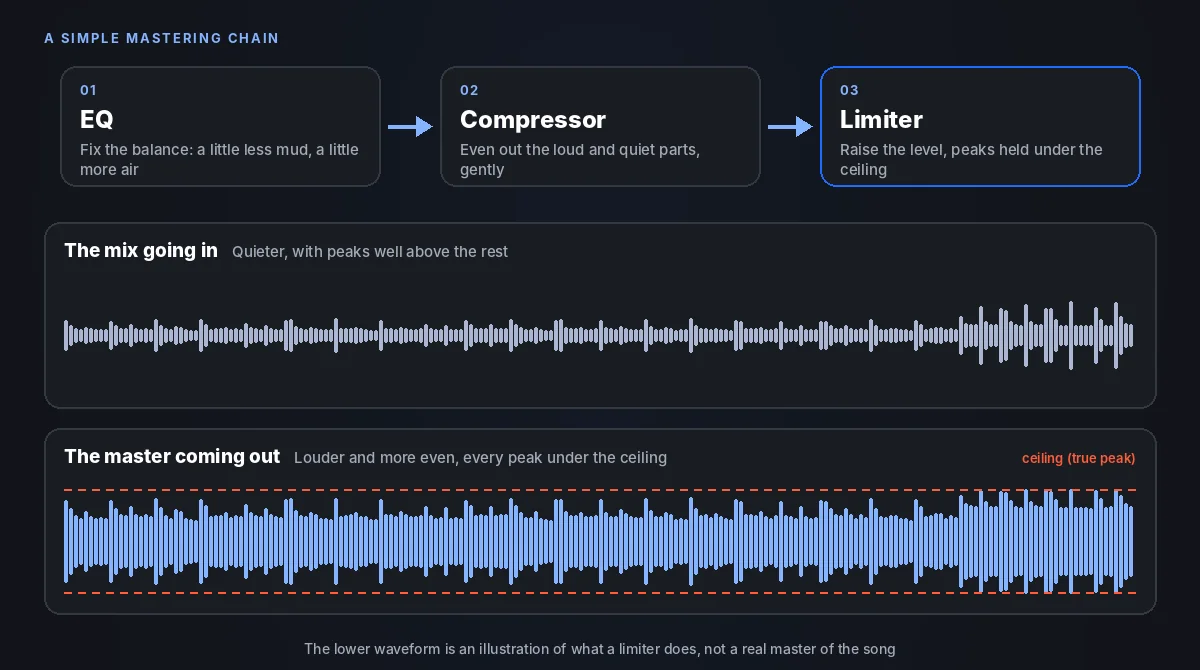
- Mixing and stem mastering. A mastering engineer working from stems can lower a harsh vocal or tame the low end without asking for a new mix. How to master a song covers what mastering does and when stems help.
- Remixes and DJ sets. A remixer builds a new track around your acapella or drums. DJ software uses stems too: Native Instruments describes its Stem files as one track holding four audio tracks, such as drums, bass, synths and vocals, that a DJ mixes separately (Traktor guide).
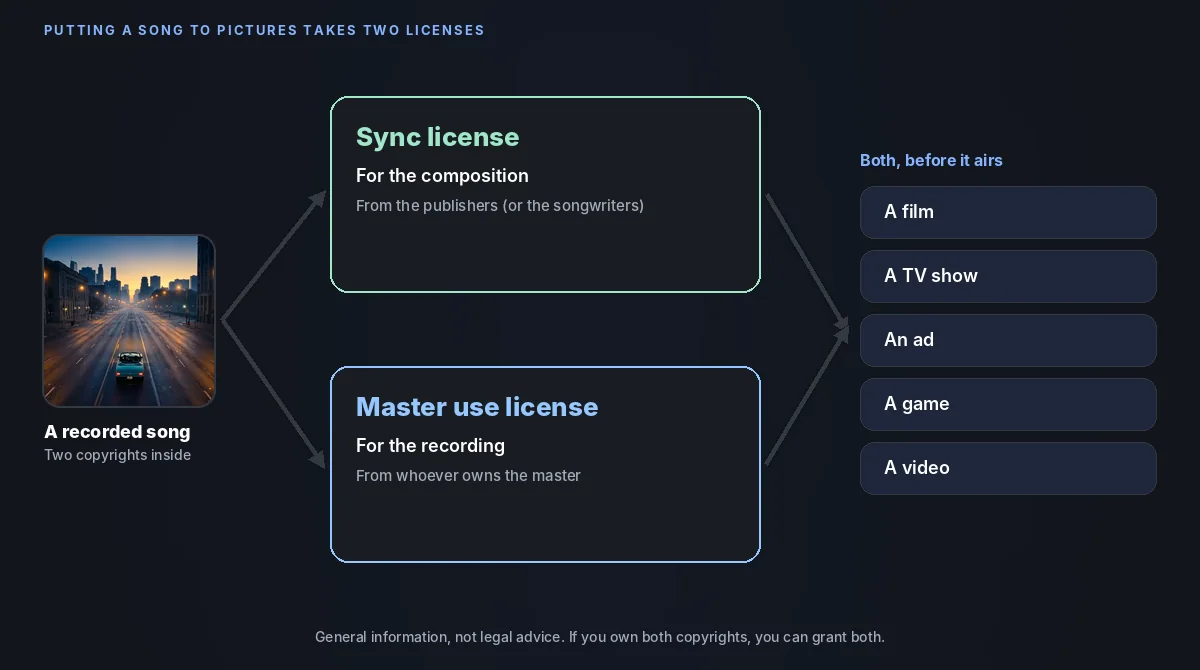
- Sync and TV. Film, TV and ad editors often need an instrumental under dialogue, a version without the lead vocal, or the drums alone for a trailer cut. Stems ready to send make your song easier to place; see what a sync license is.
- Live backing tracks. Bands play the parts they can't cover on stage from stems, usually with a click in the drummer's ears, and drop or add parts from show to show.
- Immersive mixes. A Dolby Atmos or other immersive mix is often built from the stereo stems, which is why the Recording Academy's recommendations stress that they be accurate.
- Video edits. A video editor can lower the music under a spoken intro, swap the soundtrack for the instrumental for a karaoke version or cut a teaser around the drums alone.
- Selling beats. Producers who sell beats often include the stems, called trackouts, with their higher-tier licenses, so the buyer's engineer can mix the vocal into the beat properly; see how to sell beats online.
How to export stems, step by step
Every DAW names the options differently, but the job is the same everywhere. These steps assume the mix is finished and approved; exporting stems from a mix that's still changing means doing it twice.
- 01
Save the final mix as its own version
Save the session under a new name once the mix is approved, so the stems come from exactly the mix you released and later changes can't creep in.
- 02
Decide the stem set with the person asking
Ask what they need: four groups for a DJ or a quick remix, every instrument for a mix engineer, an instrumental and a vocal for a sync brief. Write the list down before you start.
- 03
Route each group to its own bus
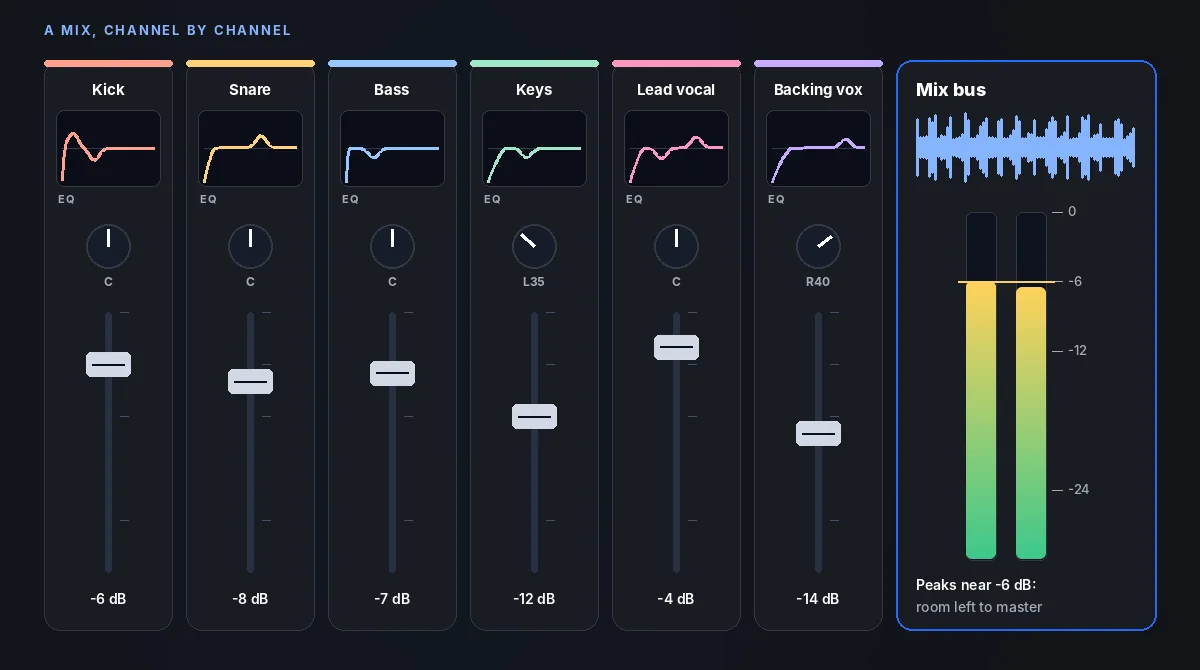
Send every track that belongs to a stem to one bus or group, and check that no track is left out or sits in two groups, or the stems won't add back up to the mix.
- 04
Export everything over the same range
Set the export to start at the very beginning of the song (bar 1 or 0:00) and to end after the last reverb tail has died away, and use that same range for every stem, silent stretches included.
- 05
Choose the format
Export WAV files at the session's sample rate, at 24-bit or 32-bit float, without dither, normalizing or a limiter on each file, so every stem keeps the level it has in the mix.
- 06
Decide about effects and the master bus
Print each part with its own effects unless the person asked for dry files, and keep the master bus processing off for a mix or mastering engineer. Note in a text file what you did.
- 07
Name and number the files
Give every file a number, the song, the mix version, the part, the sample rate and the bit depth, with underscores and hyphens instead of spaces or symbols.
- 08
Check that they line up
Import all the stems into an empty session at zero, play them together beside the mix master, and listen for anything missing, doubled or out of time before you send them.
The same start and end point is the rule everything else depends on: the Recording Academy's recommendations say all stems for a song should be "consolidated and printed with the same start and end point" so each stays in time with the others in a new session (P&E Wing). DAWs make this easy when you let them. Ableton Live's export option for All Individual Tracks, for example, writes one file per track and, its manual says, gives every file the same length so they're easy to align in Live or another program. The same manual describes an option to include the return and main effects with each track, for stems meant for a live performance or a remix.
Sample rate, bit depth and file names
Keep the stems in the format the session was mixed in. Converting the sample rate adds a process and gains nothing, and a 24-bit or 32-bit float WAV keeps the quiet details of every part, including reverb tails and fades. The Recording Academy's recommendations ask for delivered mixes at the same sample rate and bit depth as the original source files, or better. If the person asking needs something different (a video editor working at 48 kHz, say), make that a separate copy and keep your originals.
| For | Format | Effects | Also send |
|---|---|---|---|
| Mix or stem mastering | WAV, session rate, 24-bit or 32-bit float | Usually printed; dry versions if asked | The mix master as a reference, with the master bus off on every stem |
| Remix or DJ edit | WAV, session rate, 24-bit | Printed, including reverbs and delays | The tempo, the key and the acapella and instrumental |
| Sync, film or TV | WAV, the master's rate and bit depth or better | Printed, matching the released mix | The instrumental, the version without the lead vocal and a clean edit |
| Live playback | WAV at the rate your playback software runs | Printed, so the parts sound as on the record | A click track and cue markers at each section |
| A video edit | WAV at 48 kHz, the usual rate for video | Printed | The full mix and the instrumental |
For names, the Recording Academy's recommendations use one pattern for every stem: a number, the artist's initials, the song title, the mixer's initials and mix revision, the stem's name, then the sample rate and bit depth, separated by underscores, as in 01_ND_NightDrive_JR02_Kick_48k24.wav. Numbering keeps the stems stacked in order when they're imported, and the format at the end tells the person what they're opening. The same document limits names to letters, numbers, underscores and hyphens: no spaces, emojis or symbols, and at most 128 characters (P&E Wing, also listed on the Producers & Engineers Wing's technical guidelines page).
Getting stems from a finished song
When the session is lost or the song isn't yours, the only option is to pull the parts out of the mixed file. Software that does this is now built into everyday music tools. Apple's Logic Pro guide describes Stem Splitter, which extracts vocals, drums, bass, guitar, piano and other parts from an audio region on Macs with Apple silicon, and can split the drum stem further into kit pieces. Native Instruments' Traktor guide says the DJ software can separate tracks you own into drums and percussion, bass, vocals and an "other" stem, which it describes as the remainder that varies from track to track.
Separated stems are estimates, not the parts that were recorded. Software has to guess which sound belongs to which instrument wherever they overlap, so expect traces of other parts in each stem, reverb tails split between files, cymbals and breath that blur together, and a slightly watery sound on vocals pulled from a dense mix. They can be fine for practice, for a DJ edit or for finding where the vocal is; for a release, a remix or a sync delivery, ask for the real stems from whoever has the session.
Stems and your music video
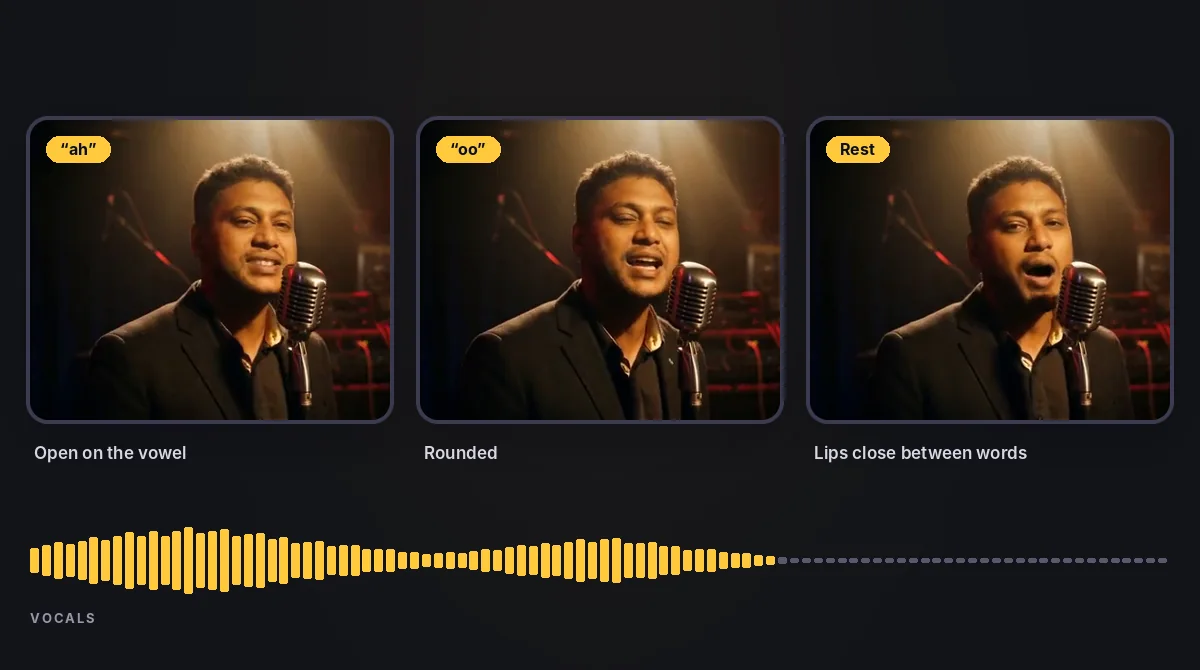
Muvora uses stem separation for one job of its own. When you choose the Performance style, it separates the vocal from the song you upload, finds where the song is sung and times the lip-synced shots to that vocal, so the singer's mouth follows the words. The vocal stays inside Muvora: it doesn't give stems, acapellas or instrumentals back, and the soundtrack of every video it makes is your original upload, unchanged.
So upload the full mix, the master you'd release. The analysis reads its beats, sections and drops to plan the cuts, and its vocal to time the lyrics and the lip sync; an instrumental on its own gives no vocal to sync or caption. If you want a karaoke version, render the video from the full song, then swap its soundtrack for your instrumental in a video editor: the video is exactly as long as the song, so a matching instrumental lines up from the first frame. AI lip sync music videos explains how the singing shots are made.
See your vocal lip-synced in a storyboard
Upload the full mix with one clear, front-facing photo of the singer and choose Performance: Muvora finds where the song is sung and plans those shots around the vocal. The storyboard is free; lip-synced seconds are 75 credits a second when you render.
Or make a video from the song alone
No photo needed: upload the master and get a free storyboard with every cut on the beat, the sections mapped and the drops marked, then render only if you like it.
Written by the Muvora team. Last updated November 17, 2026. Spotted something out of date? Tell us at [email protected].